
Ecommerce SEO Services
I make your categories, products and filters easy for Google to crawl and worth ranking, built around the searches and comparisons your buyers make. In a store, one template decision changes thousands of pages, so that is where I start.
Store audit in week 1. Templates and technical fixes by week 5. I work directly with you or your developer.
- 6+ years of experience
- 30+ clients served
- Completed Koray's Topical Authority course
Signs your store needs ecommerce SEO
- Product pages get indexed, but category pages never rank.
- Search Console shows thousands of filter URLs you never meant to create.
- You use the manufacturer's descriptions, so you rank for none of them.
- Every size and color has its own page, and those pages compete with each other.
- Deleting sold-out products wiped out their traffic.
- Your blog gets visits, but few readers click through to the shop.
- Your search listings show no price, stock or rating.
What ecommerce SEO covers
Categories first
- What I do
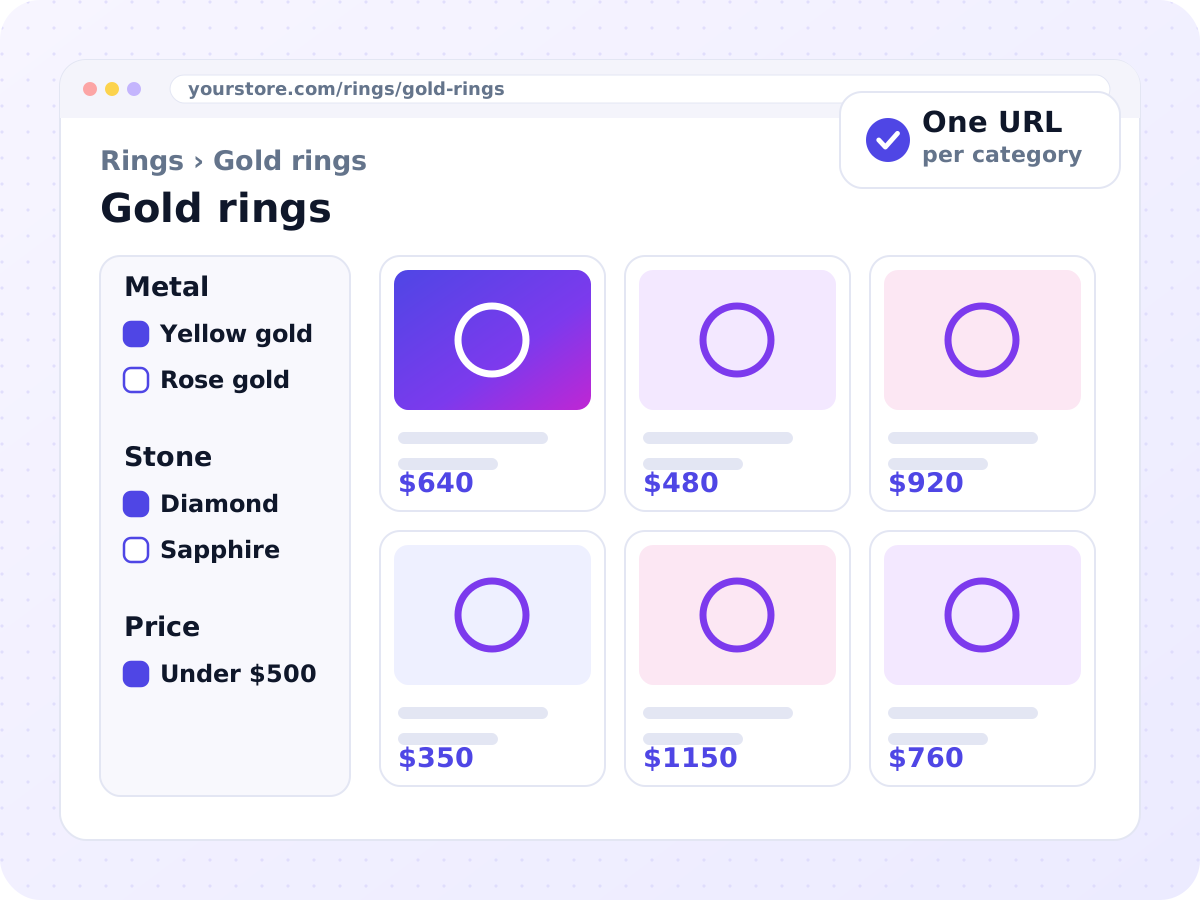
- Build the category tree from how buyers compare products (metal and stone, spectrum and format), not warehouse codes. Each category gets a heading that matches the search, a short intro, the product grid and links to related categories
- Why it matters
- Most buying searches name a category, not a product
Product pages
- What I do
- One template per category that answers five questions in order: what it is, the specifications, who it suits, the proof, and delivery and returns. Specifications go in a visible table. Proof means documents a buyer can check, such as a grading report number or a batch lab result
- Why it matters
- Specific, checkable facts are what other stores leave out
Variants
- What I do
- Size, color and metal sit on one URL with options. A variant with its own searches, such as rose gold rings, gets its own URL in the same product family, marked up with ProductGroup
- Why it matters
- Stops variants competing with each other
Filters
- What I do
- An approved list of filter pages allowed into the index. Everything else is kept out, and blocked from crawling where possible. Empty filter combinations return a not-found status
- Why it matters
- Google's own guidance. Thousands of empty filter URLs waste crawling on pages that don't sell
Stock changes
- What I do
- Sold-out products stay live as out of stock or backorder, with a notify option. Discontinued products redirect to a true successor or the parent category, or return 404 or 410
- Why it matters
- Keeps the rankings a product has earned. Redirecting to the homepage helps nobody
Structured data
- What I do
- Product with a nested Offer that matches the page (price, currency, availability, condition), return and shipping policies, and ratings only when real reviews are on the page
- Why it matters
- Feed, page and markup must agree, or Merchant Center disapproves products
Merchant Center
- What I do
- Feed review for titles, identifiers (GTIN or MPN), attributes and matching landing pages, for free listings and Shopping ads where your products are allowed
- Why it matters
- Free listings can show products on Google without ad spend
Buying guides
- What I do
- Guides that answer pre-purchase questions and link to the right category, such as full vs broad spectrum or ring sizing
- Why it matters
- Bring research visitors to the shop
Internal links
- What I do
- Every product you want indexed is linked from a category, with standard links, not JavaScript events
- Why it matters
- Googlebot generally doesn't use your site search
Which filter pages get indexed
Shopify and WooCommerce SEO
Shopify
- Products always sit under /products/ and categories under /collections/. These paths can't be changed, so the work goes into what sits on them.
- Products are also reachable through collection paths. Theme links should point to the main product URL.
- Variants use a ?variant= parameter, and tag-filtered collections can create thin duplicates.
- Filter and search URLs can be blocked by editing robots.txt.liquid.
WooCommerce
- More control, and more ways to go wrong. Product and category bases are set in the permalink settings.
- Layered navigation creates parameter URLs that crawl freely unless they are managed.
- Product tag archives are usually thin and better kept out of the index. Add-to-cart links should not be crawled.
- SEO plugins such as Yoast or Rank Math may need extending for return and shipping markup.
Ecommerce SEO when ads are limited
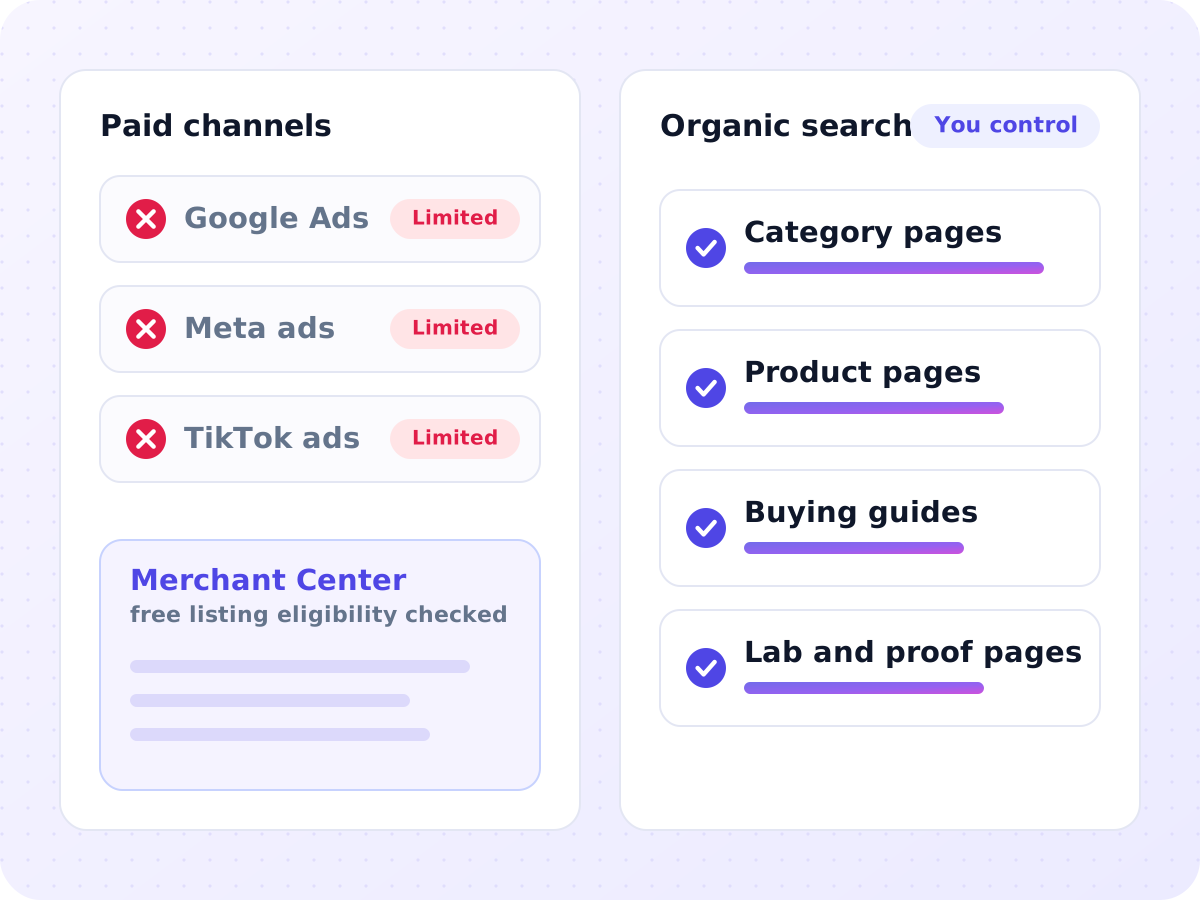
Some stores can't rely on Google or Meta ads: kratom, most CBD, and other regulated products. For them, organic search carries the sales, so the category structure, product proof and compliance have to be right from the start. Shopping and free listing eligibility is checked against Google's current policy for each catalog before any feed is built. See the industries I work in.
What you receive
Categories and indexable filters matched to the searches they target.
Which filters are indexed, canonicalized or blocked, with consistent parameter order and "&" separators.
Missing attributes, disapprovals and differences between feed and page.
What happens to sold-out and discontinued product URLs.
How it works, step by step
Catalog and crawl audit
Week 1I crawl the store and compare indexed URLs with the pages that should rank. You share Search Console, analytics and platform access.
Categories and attributes
Weeks 2 to 3Searches are grouped into categories, and I decide which attribute combinations get their own pages.
Templates and technical fixes
Weeks 3 to 5Templates, canonical rules and markup are specified, then built with your developer or edited in the theme by me.
Category and product content
Weeks 4 to 10I write or brief the copy. You confirm specifications, certificates and lab results.
Feed and guides
Weeks 6 to 12Merchant Center data is aligned with the site, and buying guides go live with links to categories.
Monitoring
MonthlyRankings, index coverage and organic revenue, adjusted as your catalog changes.
How results are measured
Organic revenue by category
In GA4, not total traffic.
Clicks and impressions
For category pages vs product pages in Search Console, plus the merchant listing reports.
Indexed URLs vs the approved list
To catch filter pages leaking into the index.
Merchant Center
Disapprovals and free listing clicks, where your products are eligible.
More indexed pages is not progress on its own. Fewer, stronger pages usually are.
Ways to work together
Store audit and structure
For redesigns, migrations and catalog rebuilds.
Crawl and index review, category and attribute map, filter rules, and template and markup specifications.
Monthly ecommerce retainer
For stores adding products regularly.
Category and product content, feed and markup monitoring, buying guides and a monthly organic revenue report.
Developer-ready specifications
For stores with an in-house team.
Ticket-ready requirements, JSON-LD templates and a staging review before launch.
Is ecommerce SEO right for your store?
A good fit if you
- have dozens to thousands of products in clear categories
- run Shopify or WooCommerce (custom themes included)
- sell CBD, kratom, jewelry or other products that can't rely on ads
- have a developer or will let me edit the theme
- can supply accurate specifications and certificates
Not a good fit if you
- dropship with copied descriptions and plan to keep them
- sell only on Amazon or eBay
- ship into states where your products are banned
- expect rankings without fixing thin or duplicate product pages
Ecommerce SEO questions
Should product URLs include the category path?
Usually not. A stable product URL avoids duplicates and redirects when you reorganize categories. Breadcrumbs show the hierarchy instead, and Google judges importance by internal links, not by the URL.
Do reviews help SEO?
Yes, as content and as trust. Real reviews add the words buyers use and answer their doubts. Fake reviews are deceptive under FTC rules, and paid reviews must be disclosed. For CBD and kratom, reviews are moderated for health claims.
How do I write descriptions for hundreds of similar products?
Use a template per category with the same structure and changing facts. Write full copy by hand for best sellers. Long-tail products need a specification table and one short, unique paragraph.
Will changing platform hurt my rankings?
It can. Migrations are where stores lose the most traffic. Every old URL needs a redirect, titles and content carry over, markup is rebuilt before launch, and both sites are crawled side by side on staging.
Can a reseller rank for brand products?
Yes, by adding what the brand and the marketplaces don't: your own photos, sizing and compatibility advice, bundles, local stock, faster delivery and expert notes.
Should product pages have FAQs?
Yes, when they answer real pre-purchase questions about sizing, shipping, certificates or care. The value is fewer abandoned carts and support emails, because Google shows FAQ rich results for very few sites.
Do product images affect SEO?
Yes. Original images help image search and merchant listings. Merchant Center rejects images with watermarks or promotional overlays, and shared stock photos add nothing.
How should I handle products some states can't receive?
Keep one product page, list the states you don't ship to on the page and in your shipping policy, and block them at checkout. Don't create state pages that imply delivery.
Do I need GTINs?
Use the manufacturer's GTIN when one exists. Handmade, custom or vintage items often have none, and Merchant Center lets you say so. Never invent one.
Why does a blog post rank instead of my category page?
Usually the post matches the search better or has stronger internal links. For buying searches, strengthen the category intro and link the post to it.
CBD, kratom and jewelry catalogs each need their own structure. See the industries I work in, including Kratom SEO, CBD SEO and Jewelry SEO.
Find out what's holding your store back.
Book a free 30-minute call. We go through your store together, and I show you the 3 fixes that matter most.